 Orvus
OrvusThe journal
What is the _gl parameter in Google Analytics?
Understand how Google’s short-lived linker parameter connects a configured cross-domain journey, and what to check when it disappears.

The _gl parameter is the Google linker parameter the Google tag uses to pass first-party measurement cookie values between configured domains so GA4 can recognize the same user and session across sites (Google Tag Platform: Cross-domain measurement).
How _gl works
Cross-domain measurement appends a linker parameter identified by the key _gl to URLs that lead from a source domain to a destination domain you have configured. On arrival, the destination domain’s tag reads the linker, extracts valid cookie values, and stores them so the journey is measured as one user and one session rather than separate visits (Google Tag Platform: Cross-domain measurement). Example URL (illustrative): https://www.example.com/?_gl=1~abcde5~.
GA4’s documentation also explains that, when there is consent, Analytics uses first-party cookies for pseudonymous user and session identifiers, and with cross‑domain measurement those IDs are passed via the _gl parameter when a user navigates between domains through a link or a form (GA Help: Set up cross-domain measurement).
Configure which domains are linked
Recommended: configure cross-domain measurement in GA4 Admin so the participating sites use the same intended GA4 web stream and know which domains to link:
- Admin → Data streams → select your Web stream → Configure tag settings → Configure your domains → add each domain to include, then Save (GA Help: Set up cross-domain measurement).
Manual linker configuration is also supported. Use the official linker guide for the options appropriate to your implementation, including form decoration where needed. Do not add a second complete tag installation just to enable cross-domain measurement.

Keep the _gl parameter through redirects and forms
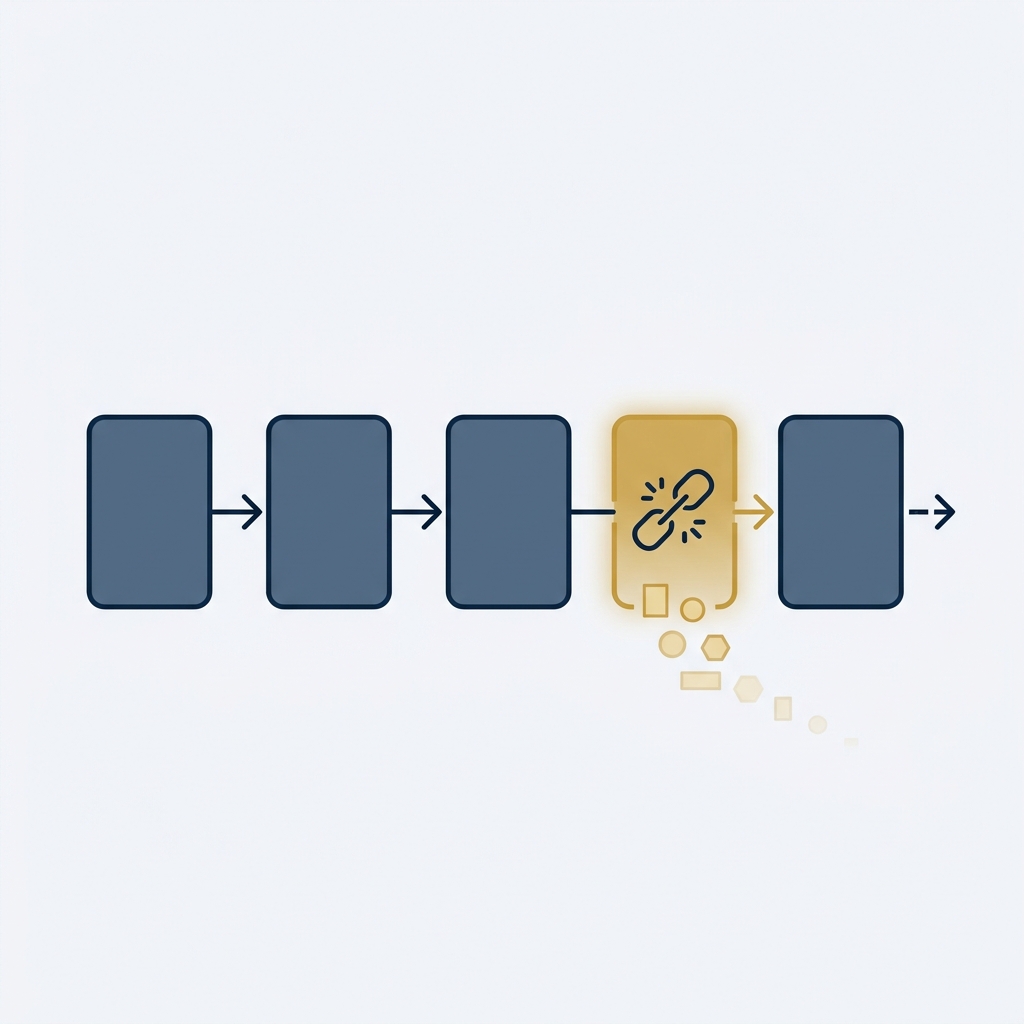
For stitching to work, the _gl parameter must make it intact to the destination page. Two common break points:
- Redirects that drop or rewrite the query string. Fix by preserving the full query (including _gl) during redirects (GA Help: Set up cross-domain measurement → Troubleshooting).
- Form submissions that do not carry the query string forward. Where supported, configure linker form decoration or preserve the required measurement parameter through the form flow, following the official guide. Do not blindly forward every query parameter to an unrelated destination (Google Tag Platform: Cross-domain measurement).
Additionally, cross-domain auto-linking relies on listening to link clicks. Programmatic navigation or scripts that stop event propagation can prevent decoration. If navigation is triggered by JavaScript rather than a direct user click, or if scripts use stopPropagation before the document receives the click, the _gl parameter may not be appended (GA Help: Set up cross-domain measurement → Troubleshooting).
Verify the linker is working
GA4 provides a simple verification flow:
- Open a page with a link or form to a configured destination domain.
- Click the link or submit the form to the destination.
- Confirm the page loads and that the destination URL includes the _gl parameter. Use a fresh click: Google says linker parameters expire after two minutes, so reusing an old decorated URL is not a reliable test. Seeing the parameter alone is not proof that consent, destination configuration and event continuity all work (GA Help: Set up cross-domain measurement).
If _gl is missing on arrival, use your browser’s developer tools to trace the navigation and identify where the parameter is stripped; then adjust redirect rules or link handling to preserve the query (GA Help: Set up cross-domain measurement → Troubleshooting).
Consent and privacy limitations
GA4’s cross-domain stitching depends on first‑party cookies. When there is consent, Analytics sets and reads user and session IDs. Without consent, those cookies are not relied on in the same way, so passing IDs via _gl may not occur or be usable. Always align your measurement setup with your consent framework and applicable regulations (GA Help: Set up cross-domain measurement).
One practical decision: which domains to include
Include only the domains that are part of the same user journey you operate and want measured as one visit, such as your main site and a separate checkout domain you control. Ensure the participating tags send to the same intended GA4 web stream and have cross-domain configuration applied; a Google tag may have multiple tag ID aliases (GA Help: Set up cross-domain measurement).
Related reading from Orvus
- What is SEO analytics? A systems guide
- How to use Google Analytics SEO? A GA4 and Search Console playbook
Quick checklist to keep _gl intact across domains
Short FAQ
Does seeing _gl in my URLs mean something is wrong?
No. It is expected when cross-domain linking is configured and you navigate to a listed domain (Google Tag Platform: Cross-domain measurement).
Should I remove _gl from my URLs?
Do not strip it before the receiving tag can read it if you rely on cross-domain measurement. Review redirect and application behaviour with your developer rather than treating it as an error or a permanent identifier.